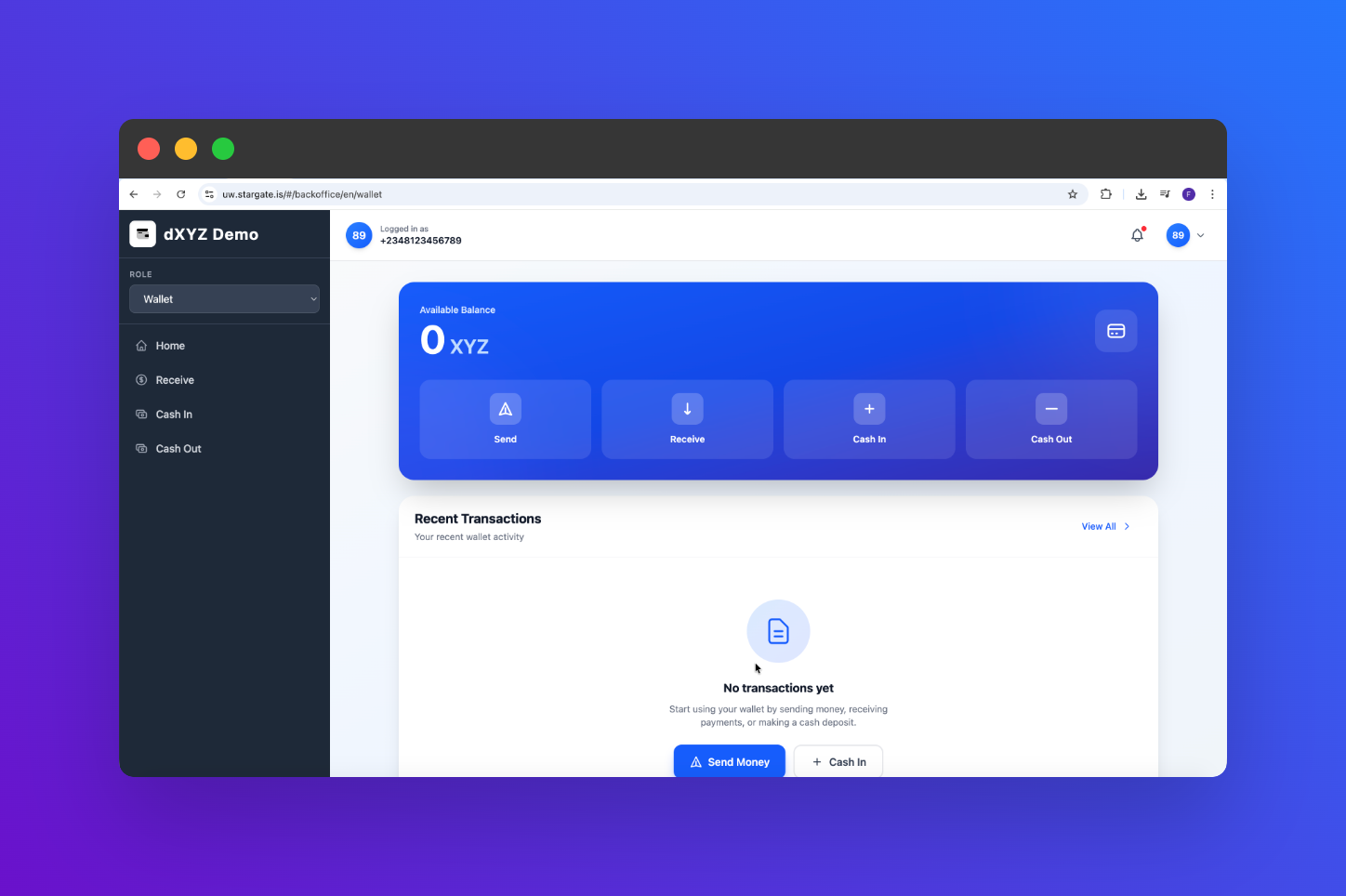
Tutorial Objectives
In this tutorial series, you will learn how to:- Create agents as an issuer.
- Mint new tokens to agents as an issuer.
- Distribute tokens to end users as an agent.
- Perform peer-to-peer (P2P) token transfers between end users.
Demo Environment
To make this tutorial easier to follow, we’ve prepared a dedicated sandbox environment where you can experiment freely.- Issuer:
Interstellar Demo - Token:
XYZ
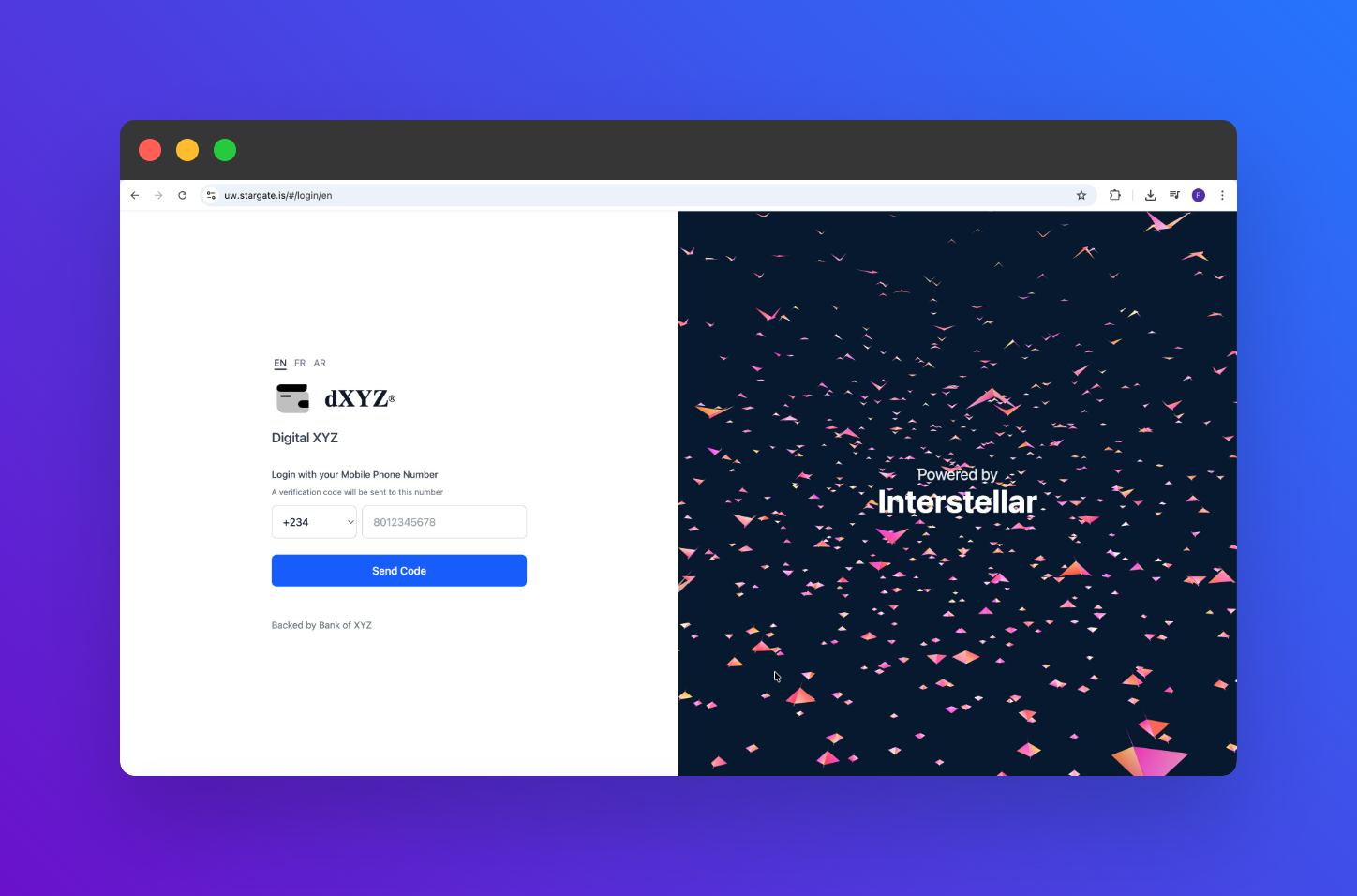
Demo Issuer Account
You’ll need to setup 2FA (Two-Factor Authentication) for the demo issuer account using Google Authenticator or any compatible app. Scan the QR code below with your authenticator app: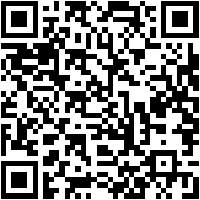
MAOMD6W7PMF7BGO5ZO4RDSGL4ZCBQ52X
- Country Code : +234
- Phone Number : 8123456789